

# Dongle
On the left navigation bar, select Monitoring>Device List>Dongle, to open the dongle list page.
Pocket Dongle is a monitoring module. Through this module, you can view and maintain data of a device. This page displays all pocket dongles under the current account, you can search for a certain dongle by device name, registration number, or device SN, online status, or country/region.
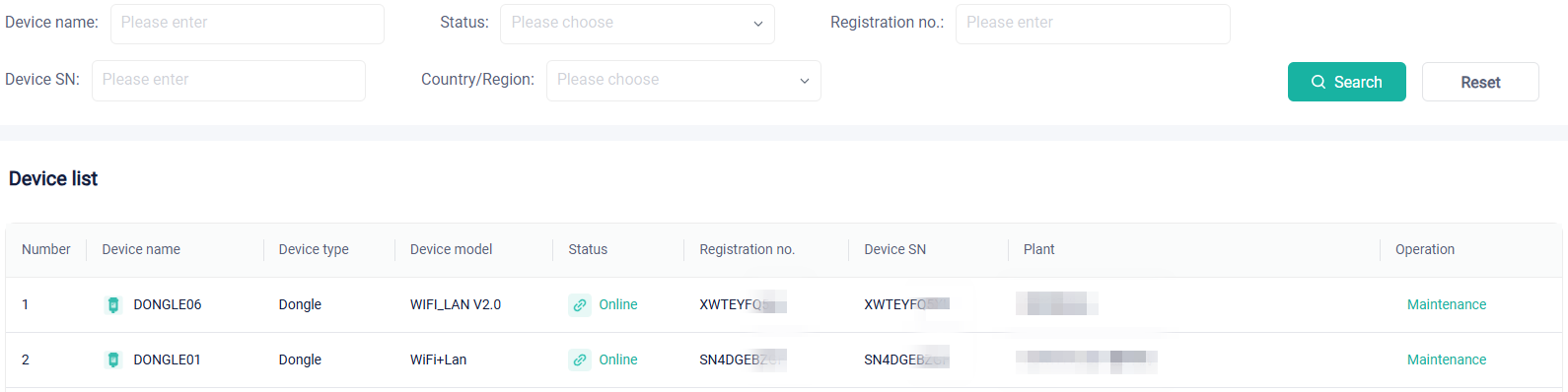
In the device list, you will see the device name, device type, device model, device network connection status, device SN and plant where the device is located. Besides, you can also maintain a dongle, which includes device information, firmware upgrade, and edit device.