# Channel & Owner Management
Through Channel management (if any) and Owner management in the navigation bar, distributors or installers can perform unified management on their subordinate channels or family users.
# Channel management
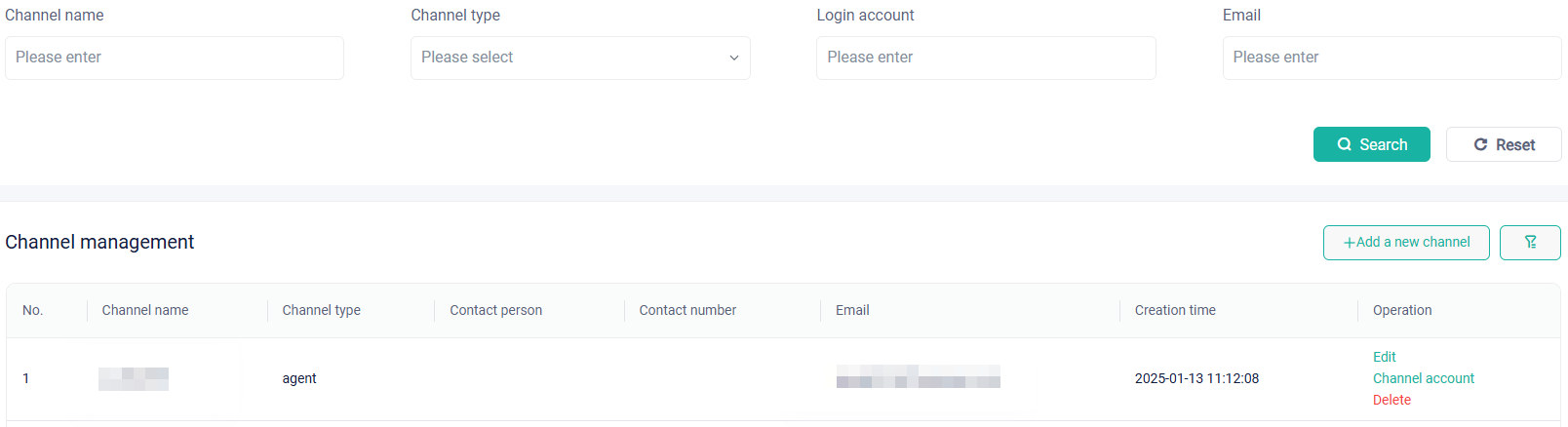
You manage channels by means of the following operations:
View: View all channels under the current account.
Search: Search for one or multiple channels by setting search conditions.
Add a new channel: Add a new agent or installer account.
Edit: Edit or modify the account information of a channel.
Channel account: View subordinate accounts of a channel.
Delete: Delete a channel from the channel list.
# Owner management
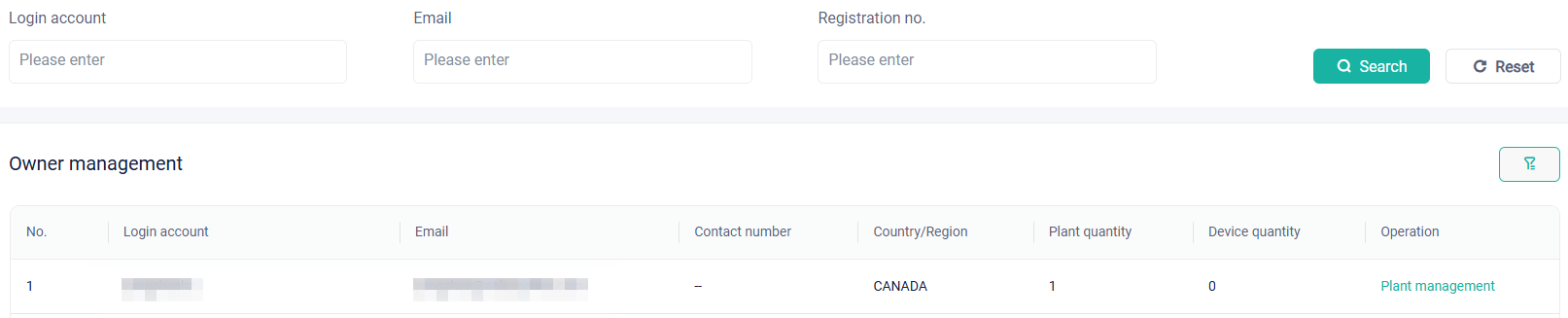
You can manage users through the following operations:
View: You will see all home users under the current account as well as login account, email, contact number, country/region, plant quantity, and device quantity of each user.
Search: Search for one or multiple users by setting search conditions.
Plant management: Tapping Plant management, you will see the plant in the plant list. You can perform management operations on the plant.
# Employee management
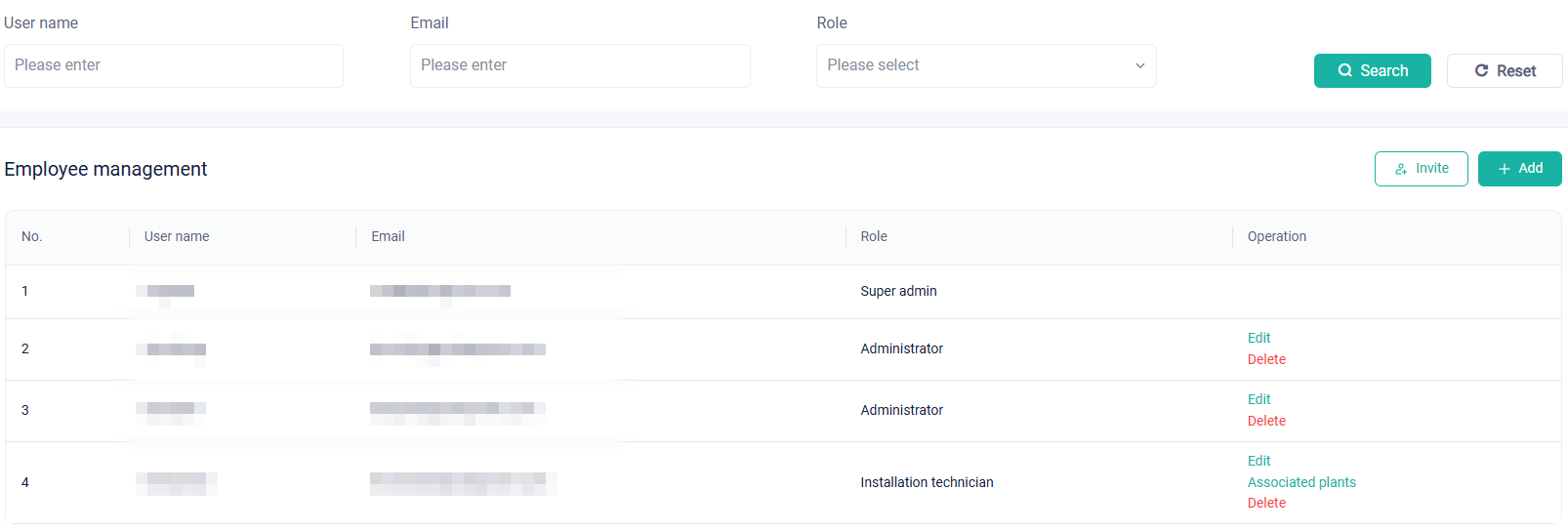
This function is designed for internal employee account management by an installer or distributor company. You can perform management in the following ways:
View: You can have a general view of all employee accounts.
Search: Search for one or multiple employee accounts by criteria.
Add: If an employee has no account, you can add for him/her. Click
 , and then enter email and role of the employee, to create an account successfully. However, if the employee has already had an account, which is verified by email, you cannot create again.
Invite: Due to historical reasons, a problem arises that an installer or distributor company registered two organization accounts rather than one. To solve the problem, we push the invite function. Through the function, you can emerge organizations into one. Click
 to send an invitation to an organization. After accepting the invitation, the organization will be cancelled and its employees, plants, devices, and channels will belong to the new organization.
Edit: A role with the editing right can edit accounts whose role is administrator or installation technician.
Associate plants: A role with the associating right can associate an installation technician with one or multiple plants. After being associated, the technician can add devices and perform other operations.
Delete: A role with the right can delete any account inferior to it.