

# Device Debug
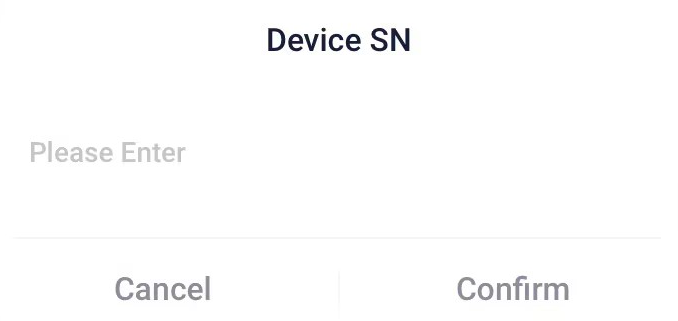
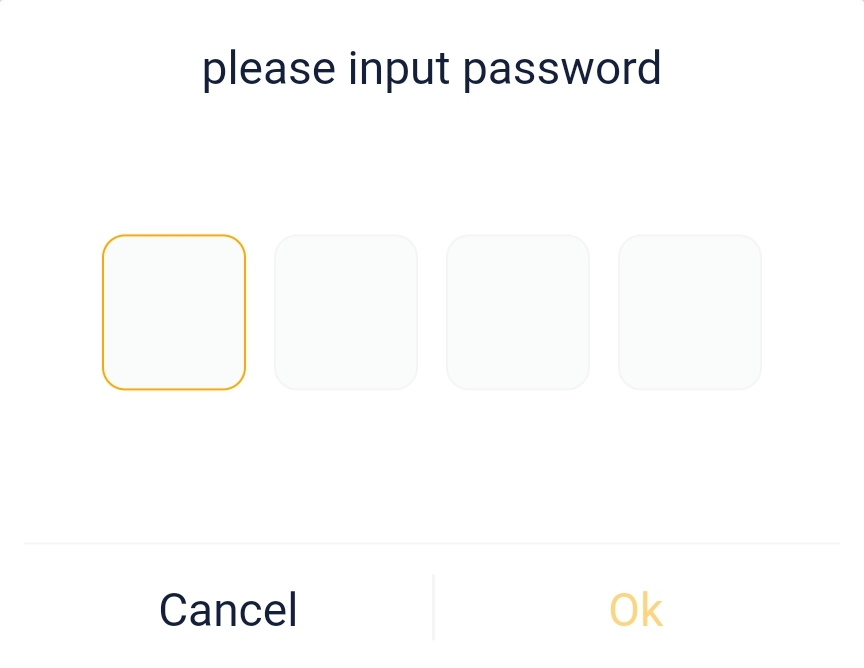
The SolaxCloud App suppots users to perform remote settings on a device (inverter). The settings includes basic settings and advanced settings. To enter the settings, the user needs to enter the inverter SN and the password of the corresponding settings.
# Basic Settings
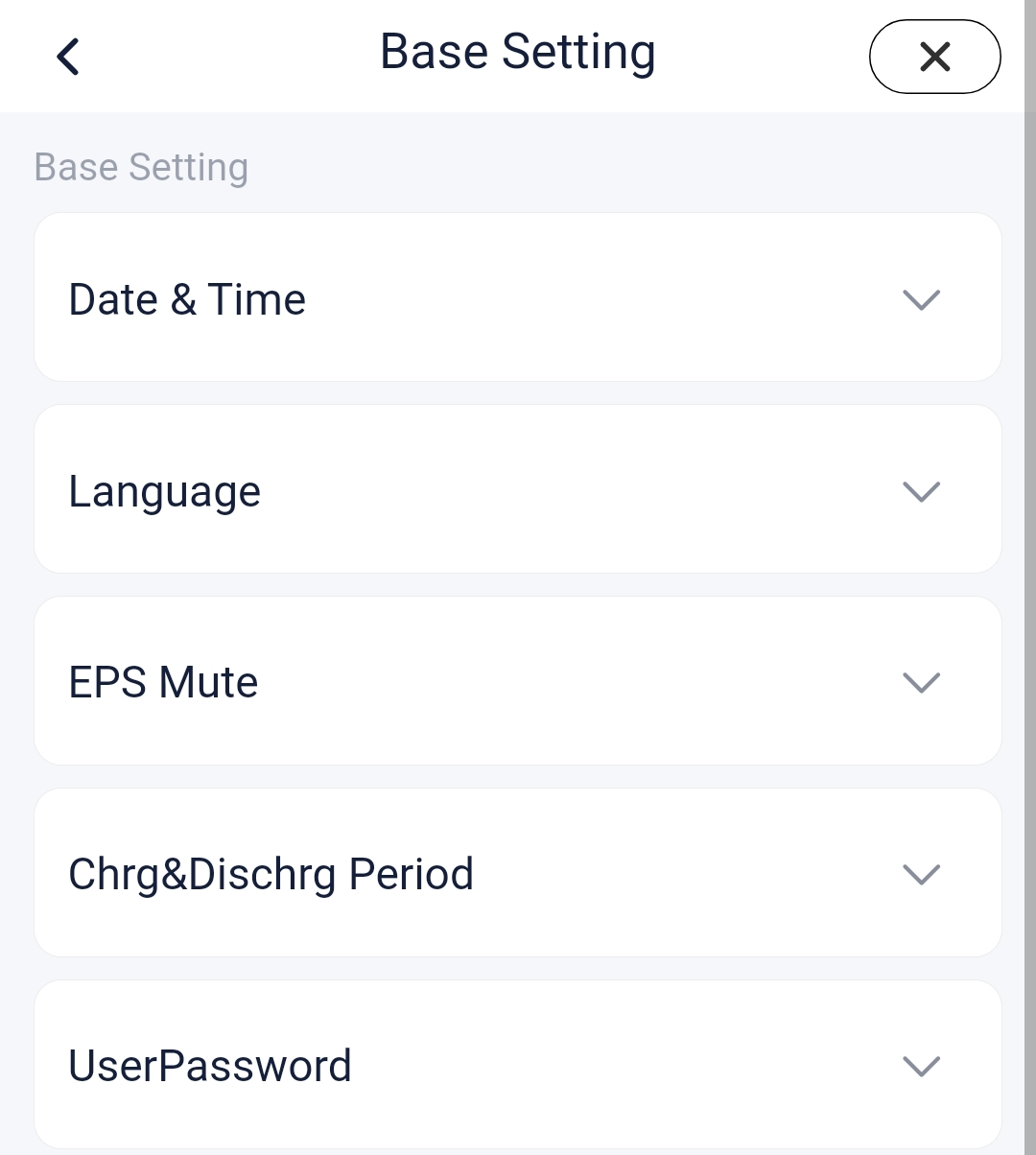
The initial password is 0000. Users can set the date and time, language, whether the inverter is muted during EPS, the charging and discharging periods, and the user password.
# Advanced Settings
You can contact us through your installer or agent to obtain a password for advanced settings. It is recommended that you set it under the guidance of a professional or authorize an installer or agent to set it.
[!NOTE] For the specific method for settings, please refer to the inverter user manual.