

# Me
Selecting Me from the bottom navigation bar, you will see the page below.
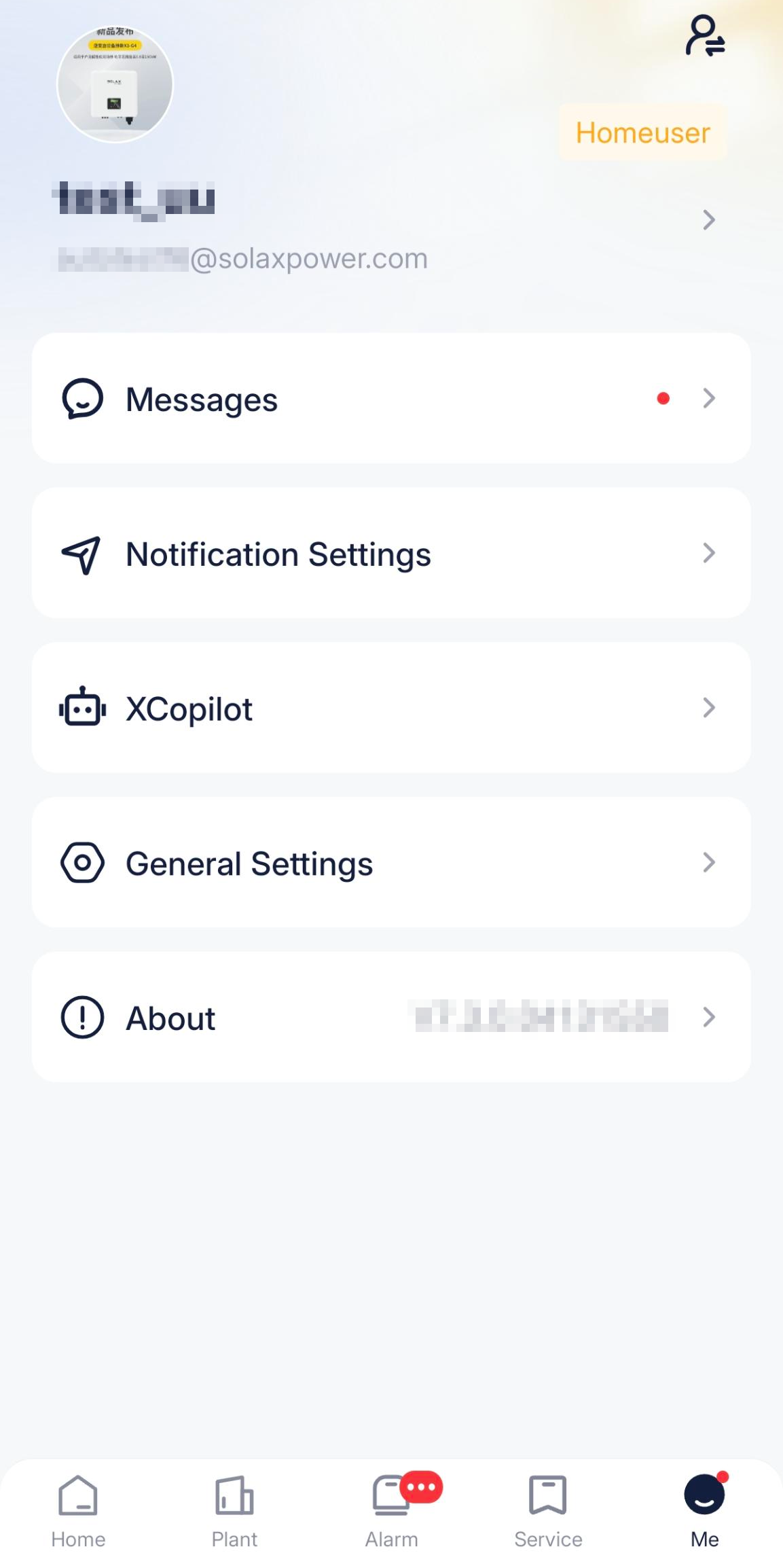
Account information: You can view or modify name, country/region, address, or profile.
 : One email account may be bound with multiple user roles, for example roles of home user and C&I user. For convenience of operation, click this icon, to switch to another role.
Messages: You can view all notifications and warning messages under the current account.
Notification Settings: After settings, specified types of messages will be pushed to you in time. Besides, you can subscribe to messages and newsletters.
XCopilot: Ask questions freely, search for solutions, and acquire the plant data as needed.
General Settings: Enable/disable Copilot floating window, and set the language, temperature, and currency according to your preferency; modify user name, password, and so on for the security of account; or switch the App display mode.
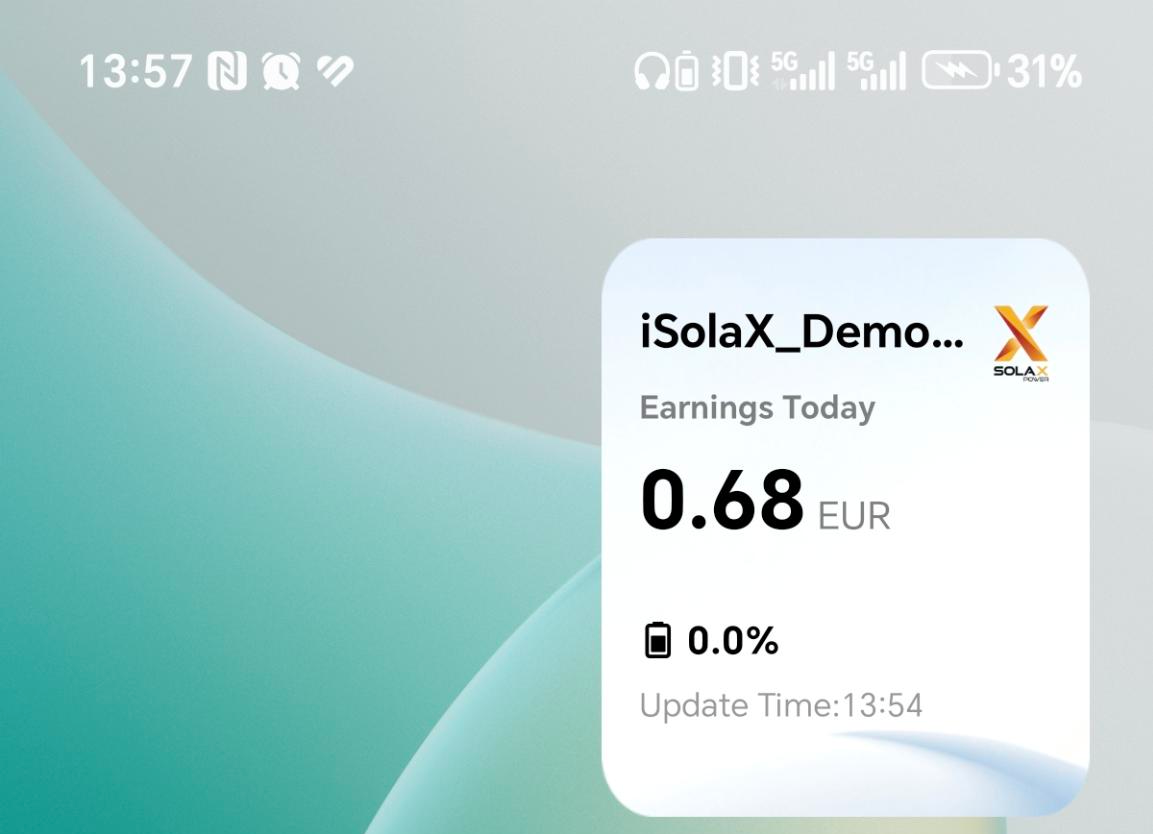
About: View the version of SolaXCloud App, privacy policies, and terms of use. Specially note that this APP supports the mobile phone desktop widget (see below), so that you can monitor the plant running data in a high frequency; it also supports to follow the mobile phone to switch between day & night modes.
← Service