# Support Services
SolaXCloud provides support services, including warranty management and after-sales service.
# Warranty Management
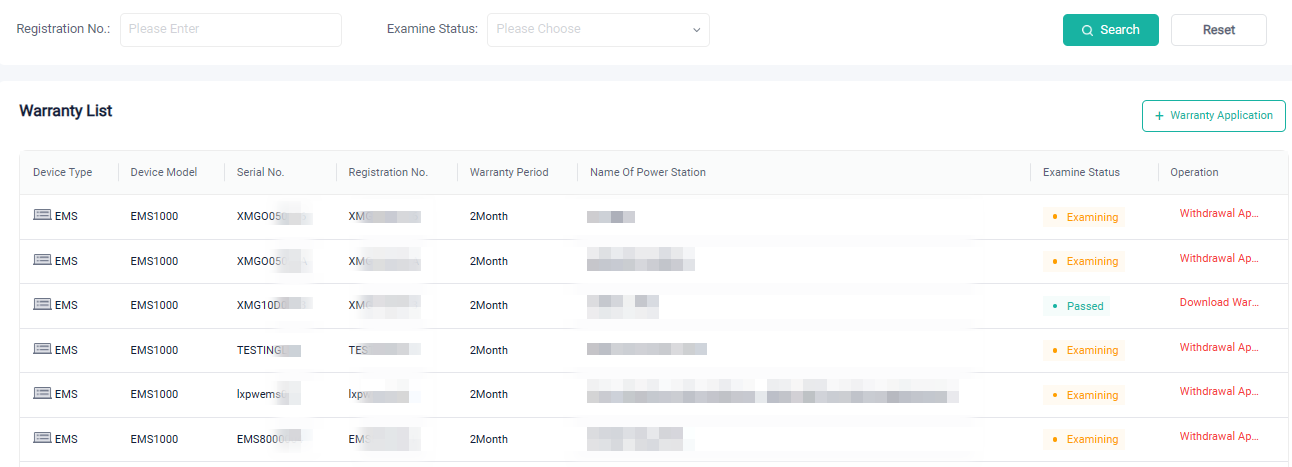
At the Warranty Management page, you can:
- view the warranty for a specific device by device registration number or warranty review status.
- download the warranty certificate for devices that have passed the warranty application.
- view devices that are under warranty review.
- withdraw warranty applications that were not approved.
- click the "+ Warranty Application" button to initiate a warranty application. You can initiate a warranty application for multiple devices at once, with device registration numbers separated by "," (halfwidth).
# After-sales Service
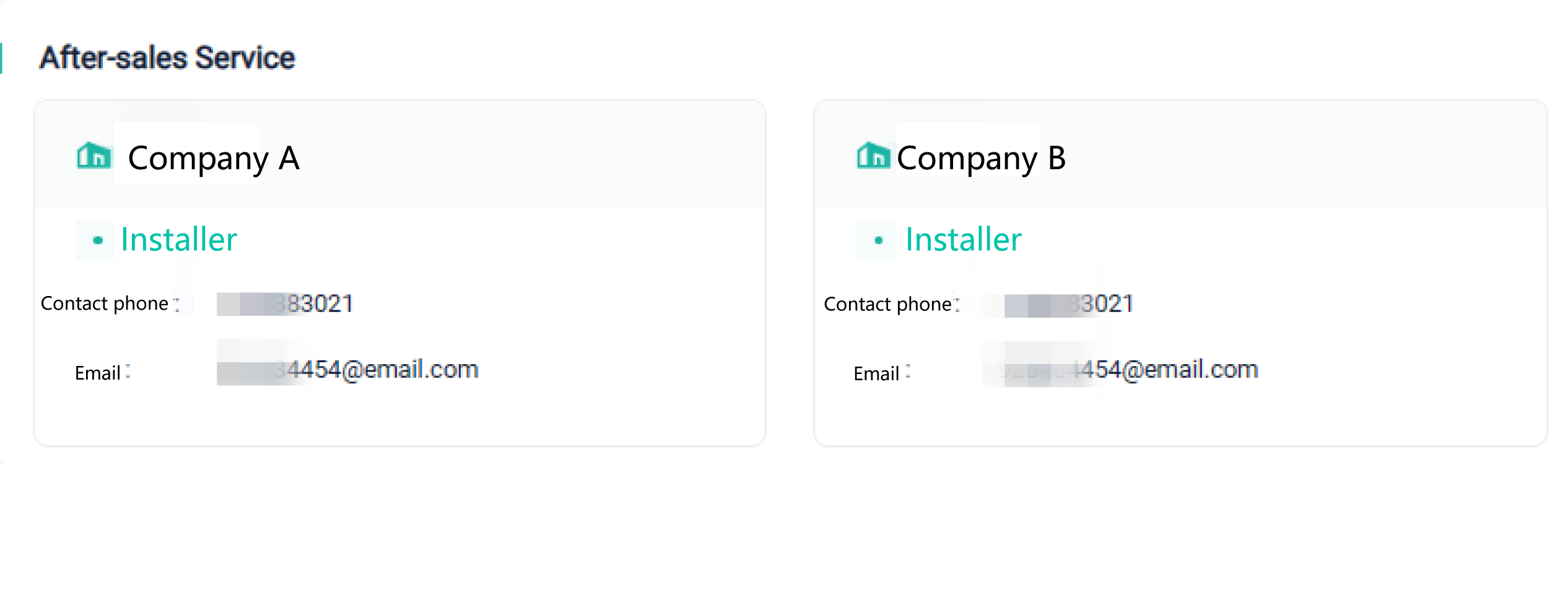
You can check the installer's contact information at the following page for timely assistance.