# System Overview
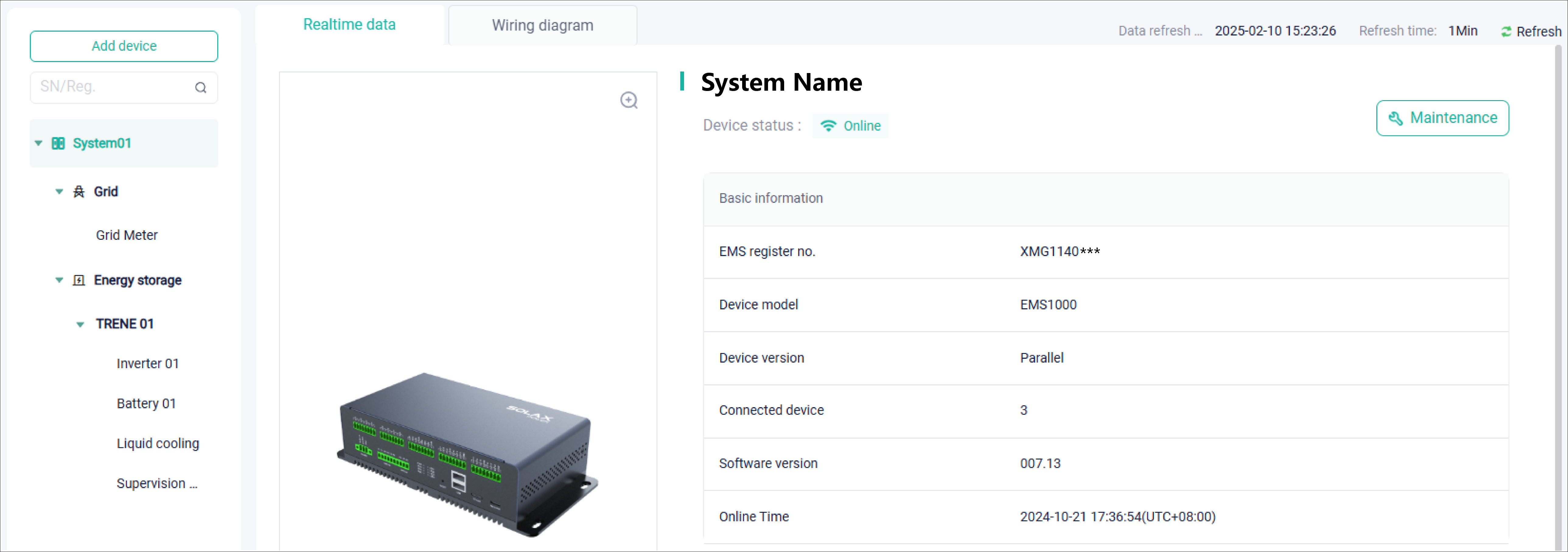
The System Overview page can help you:
view: View the real-time data and system wiring diagram by clicking a system in the device tree on the left side. Each system has multiple devices. Click
 to expand it. Then you will see the composition of devices in a system.
add an EMS: Click Add Device, select the device type (EMS), enter the device registration number and name, and then complete device addition.
delete an EMS: Click Delete Device to delete the current EMS in the lower right corner of the Maintenance page.
maintain: Click Maintenance on an EMS or device page, to maintain the system or device. It should be specified that you can set all devices remotely in a system on an EMS Maintenance page. Because setting parameters vary with device model, refer to the corresponding device manual on SolaX Products (opens new window).
search for device: When there are many devices in a plant and a device fails, to troubleshoot the problem quickly, you can use the SN search box to locate the target device.
group device (only support EV-charger now): When an EV-charger is connected to the plant, because it falls within the range of unknown system devices, the backend will be included in the unallocated group of the architecture diagram. At this time, you need to allocate an EMS for the charger manually. After being allocated, a group of load, with the same structural level with grid, energy storage, and solar.