

# SolaXCloud Login
You can directly obtain a login account and password from an installer or agent, instead of creating an account by yourself.
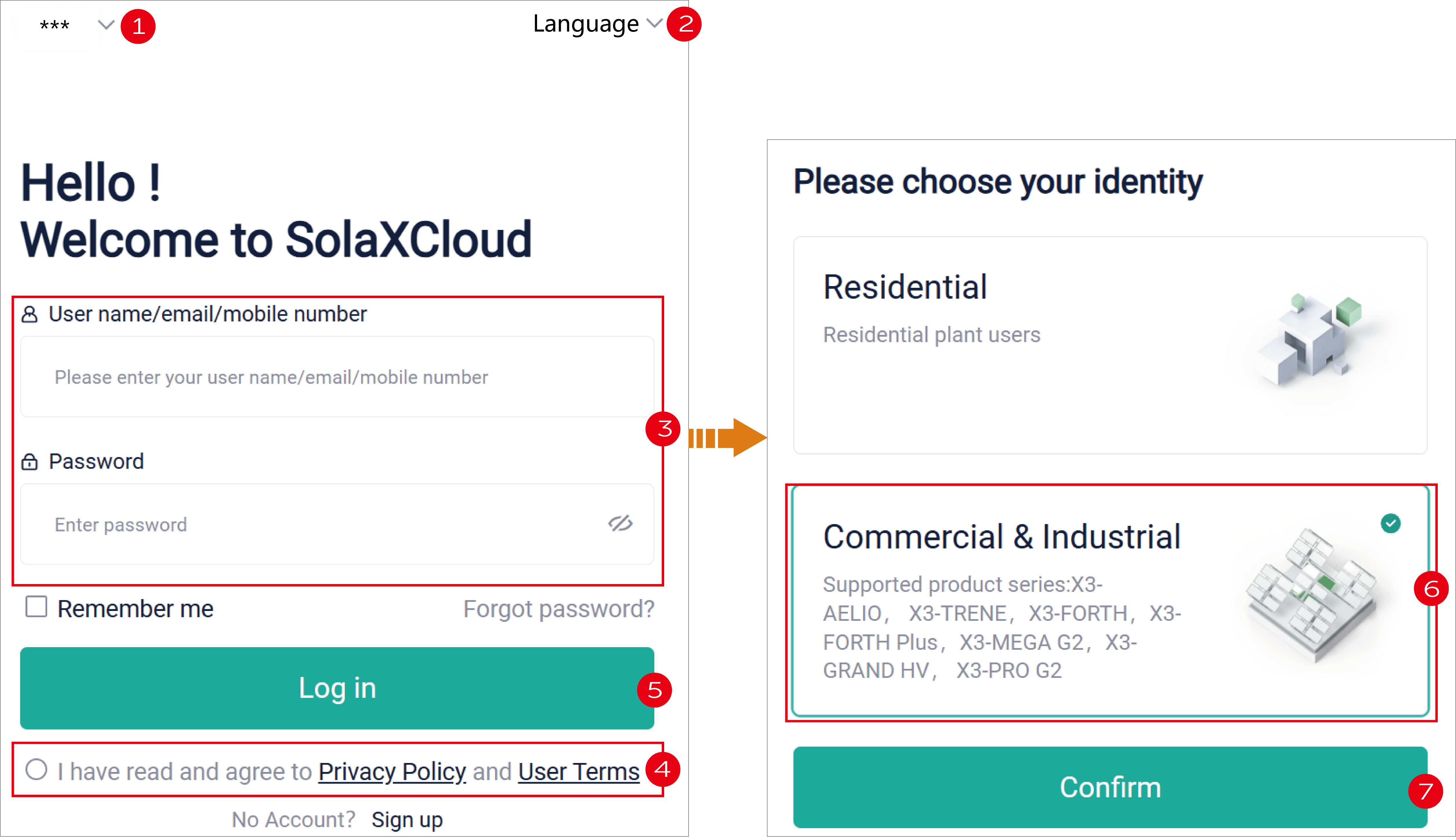
After obtaining the account and password, you can click here (opens new window), to skip to the login page of SolaXCloud (shown blow).
[!NOTE]
- You can also log in to the SolaXCloud App with the same account.
- After the initial login, it is recommended to modify the password by clicking the profile on the homepage and selecting System information> Account information > Basic information.